Get xCRUD Pro v1.0.6 – now with full xApps support – and transform your projects like never before.
Just like WordPress plugins, seamlessly install powerful extensions directly into your app.
Grab xCRUD Pro Now & Start Building with Apps!
Exciting news: Dozens of new xApps are in development and coming soon – opening up endless possibilities for your xCRUD projects!
xApps — Search & Download Apps
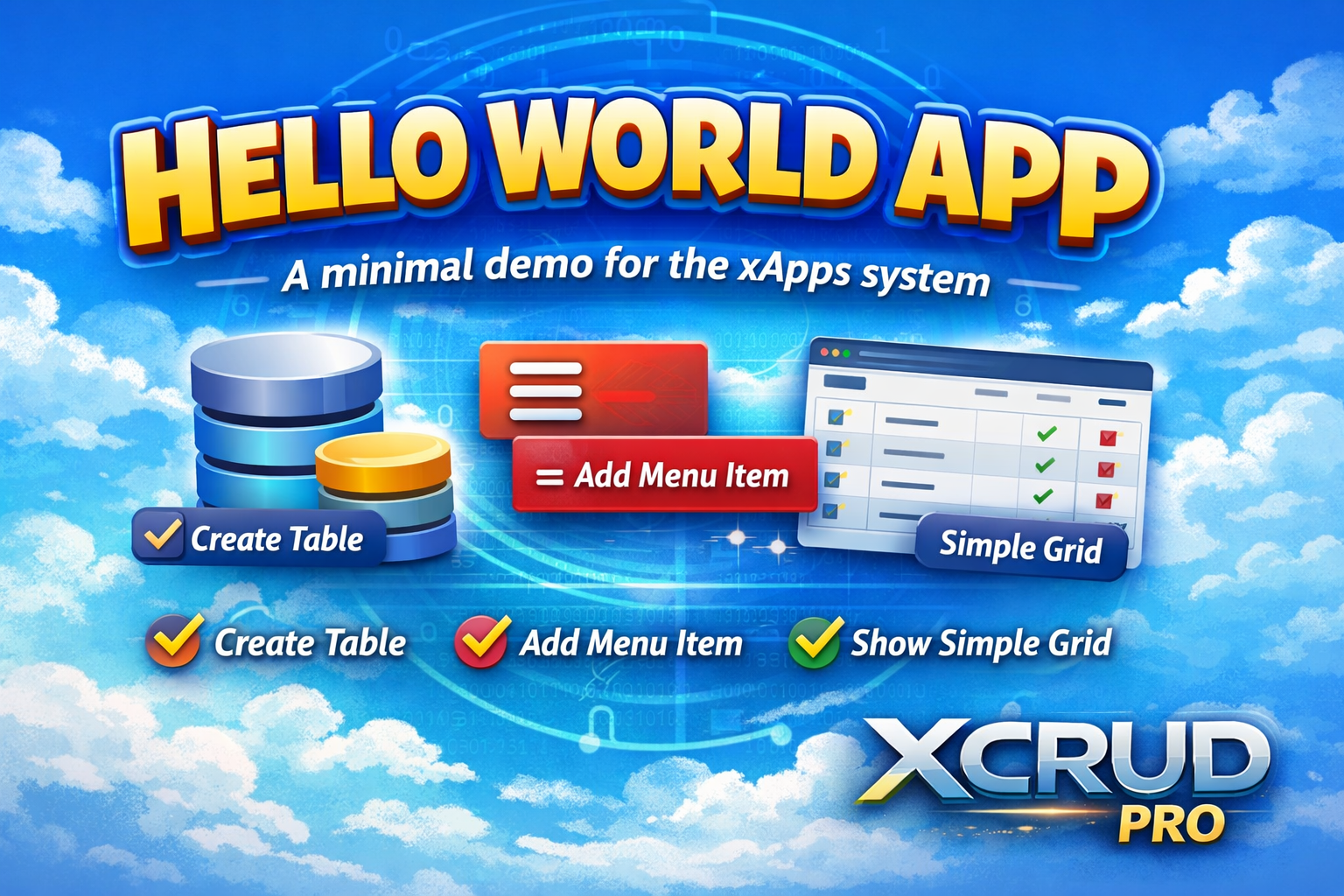
Hello World Demo
Price: Free
The perfect starting point for XCRUD and XCRUD Pro users!
This simple yet complete demo app shows how easy it is to create fully installable modules with the xApps system.
After installation you get:
• A dedicated role with proper permissions
• Automatic hierarchical menu creation
• A pre-created user account (hello / 123)
• A fully functional XCRUD grid for managing messages (create, read, update, delete)
Ideal for learning how xApps work, testing the install/uninstall process, or as a clean base for building your own professional extensions.
Built with the latest 2026 xApps features: dynamic role/menu/user creation via app.json.
Download to install and access locally.
App Details
| Version | 1.0.0 |
| Released | — |
| Last Updated | — |
===============================
What is an xApps App?
---------------------
An xApps App is a fully modular, installable/uninstallable plugin package for XCRUD Pro.
It works like a standalone mini-application that can be added or removed from your system without leaving any trace.
Each app can:
- Create its own database tables
- Define custom roles and permissions
- Automatically build hierarchical menu structures
- Create dedicated users with predefined credentials
- Add custom PHP pages (CRUD grids, forms, dashboards, etc.)
- Provide custom callback functions
- Install and uninstall cleanly via the built-in App Store
Apps are discovered automatically and managed from the central xApps → App Store interface.
App Folder Location
-------------------
All apps live in:
/lib/apps/<app_folder_name>/
Example: /lib/apps/helloworld/
Current App Folder Structure (2026)
-----------------------------------
A typical app contains:
<app_folder>/
├─ app.json ← Core metadata + dynamic installer config
├─ db/
│ ├─ install.sql ← Legacy SQL (optional – runs after app.json logic)
│ └─ uninstall.sql ← Cleanup SQL (optional)
├─ pages/
│ └─ *.php ← Your XCRUD pages that will be copied to /pages/
├─ lib/
│ └─ xcrud/
│ └─ function_<unique_key>.php ← Optional custom callbacks
├─ app.png (or icon.png) ← Icon shown in App Store
├─ manual.txt ← This manual (shown in App Store)
└─ files.txt ← File listing (shown in App Store)
app.json – The Heart of Modern xApps
------------------------------------
Since 2026, app.json is the primary installer. It allows apps to:
- Define roles with full menu hierarchies (parent → child → grandchild)
- Automatically create users with hashed passwords
- Assign roles to users
- Declare metadata (version, license, requirements, dates, etc.)
Legacy install.sql is still supported and runs after app.json processing.
Key fields in app.json:
- unique_key ← Must be globally unique across all apps
- slug, title, version, description, author, icon
- license, requires_php, requires_xcrud
- release_date, last_updated
- roles[] ← Array of roles with nested pages[] and children[]
- users[] ← Optional predefined users with assign_roles[]
Without a valid app.json, the app will not be detected.
Installation Process (2026)
--------------------------
When you click "Install Now":
1. Pages from /pages/ are copied to the main /pages/ folder with prefix (e.g., hello-world_myfile.php)
2. Optional custom function file is copied to /lib/xcrud/
3. app.json is processed:
- Roles are created/updated
- Full menu tree is built (with icons, sequence, visibility, etc.)
- Users are created with securely hashed passwords
- Roles are assigned to users
4. Legacy install.sql is executed (if present)
5. App status changes to "installed"
Uninstall reverses everything cleanly:
- Deletes copied pages and function file
- Removes menu items, roles, and app-specific users
- Runs uninstall.sql (if present)
Why Use xApps?
--------------
- True modularity: install only what you need
- Clean removal: no orphaned tables, menus, or files
- Perfect for sharing/selling extensions
- Ideal for demos, client projects, and marketplace apps
Welcome to the future of XCRUD Pro extensions!
— xCRUD Pro Team, 2026
===============================================
This minimal demo showcases the full power of the modern xApps system (2026 version).
Files included in this package:
/lib/apps/helloworld/app.json
→ Core configuration: metadata, roles, menu tree, demo user creation
/lib/apps/helloworld/db/install.sql
→ Legacy SQL script (demonstrates optional backward compatibility)
/lib/apps/helloworld/db/uninstall.sql
→ Cleanup script (optional)
/lib/apps/helloworld/pages/hello_world_messages.php
→ Main XCRUD page: simple messages table with full CRUD
/lib/apps/helloworld/app.png
→ App icon displayed in the App Store
/lib/apps/helloworld/manual.txt
→ Detailed user manual (visible in App Store)
/lib/apps/helloworld/files.txt
→ This file list (visible in App Store)
Note: No custom functions are needed for this simple demo, so the lib/xcrud/ folder is empty.
After installation:
- A new role "Hello World User" is created
- A hierarchical menu appears: Hello World Demo → Messages
- A demo user "hello" (password: 123) is created and assigned the role
- The CRUD page is accessible via the menu
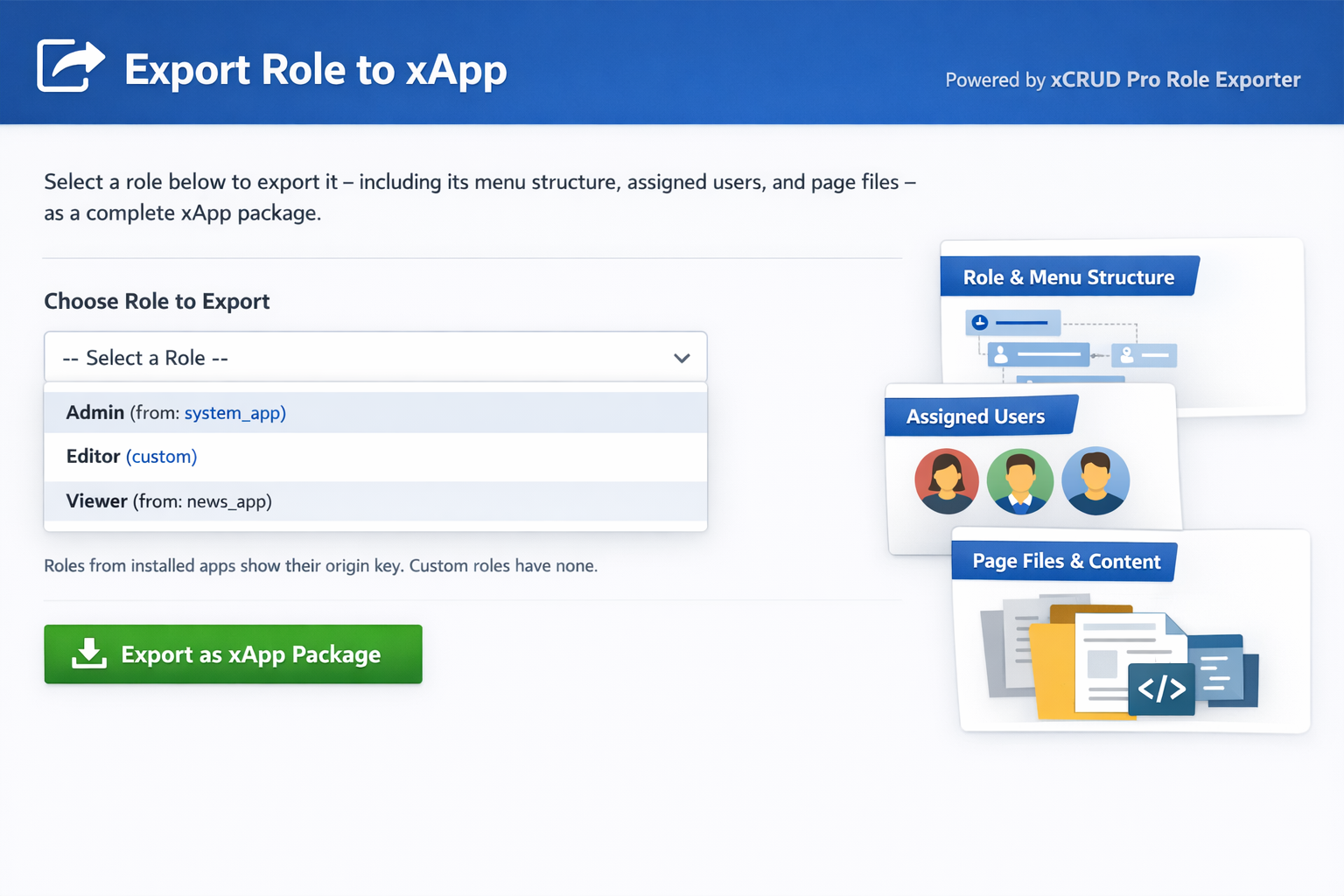
Role to xApp Exporter
Price: Free
Select any existing role and export it — with its full menu hierarchy, assigned users, and related pages — as a complete, installable xApp package.
Download to install and access locally.
App Details
| Version | 1.0.0 |
| Released | — |
| Last Updated | — |
==========
Role to xApp Exporter - User Manual
===================================
Overview
--------
The "Role to xApp Exporter" is a powerful utility app for xCRUD Pro administrators. It allows you to select any existing role in the system and export it — complete with its full hierarchical menu structure, assigned users, and all referenced page files — as a ready-to-install xApps package.
This is perfect for:
- Backing up custom role configurations
- Sharing specific permission sets with other systems
- Creating reusable role templates
- Migrating roles and related pages to a new installation
Key Features
------------
- Browse all roles (both from installed apps and custom/manual roles)
- One-click export of a selected role into a complete xApp ZIP package
- Automatically rebuilds accurate app.json with roles, nested menus, and users
- Copies all referenced page files (removing prefixes)
- Includes placeholders for custom tables (add manually if needed)
- Works with any role, even those created outside of xApps
How to Use
----------
1. Install the app via xApps → App Store (folder: lib/apps/role-exporter)
2. Log in with the demo credentials:
- Username: roleexport
- Password: 123
3. Navigate to the new menu item: "Export Role → xApp"
4. Select the desired role from the dropdown
5. Click "Export as xApp Package"
6. The browser will download a ZIP file containing the full xApp
7. Upload and install the exported ZIP on any xCRUD Pro system via the App Store
Important Notes
---------------
- Exported passwords are set to "change_on_install" for security — update them after installation
- Custom database tables used by the role's pages are NOT automatically exported. Add CREATE TABLE statements to db/install.sql manually if needed.
- The exported app will have a generated unique_key based on the role name or original app_key.
- Always test the exported app on a development system first.
Support
-------
For questions or improvements, contact the xCRUD Pro Team.
— xCRUD Pro Team, January 2026
=========
role-exporter/
├─ app.json — Core app configuration, metadata, roles, menu structure, and demo user
├─ db/
│ ├─ install.sql — Installation script (minimal — uses dynamic installer from app.json)
│ └─ uninstall.sql — Cleanup script (no tables to drop)
├─ pages/
│ └─ export_role.php — Main export interface with role dropdown and export logic
├─ manual.txt — This user manual
└─ files.txt — This file list
Notes:
- During installation, the page will be copied as: role-exporter_export_role.php
- No custom function file is required (all logic is inline)
- No custom database tables are created — this app works with existing system tables only
- Icon file (role_exporter.png) should be placed in the app folder for display in App Store
- Exported apps generated by this tool will have their own full structure (pages, app.json, etc.)

User, Role & Menu Manager
Price: Free
A modern one-page management panel to easily manage users, roles and menus in xCRUD Pro.
Download to install and access locally.
App Details
| Version | 1.0.0 |
| Released | — |
| Last Updated | — |
=========================
Purpose
-------
This app provides a single elegant screen to manage:
- Users
- Roles
- Menus
It is faster, cleaner and avoids jumping across multiple CRUD pages.
Features
--------
✓ View all users
✓ Create / edit / delete users
✓ View all roles
✓ Create / edit / delete roles
✓ View menus
✓ All actions are AJAX based
✓ No page reload
✓ Uses native xCRUD database
How to Use
----------
1. Install the app in xApps
2. Open generated page:
manager_manager.php
3. Use the 3 tabs:
- Users
- Roles
- Menus
Security
--------
Uses existing xCRUD security & database.
Uninstall
---------
App deletes only itself (safe).
Installed Files
pages/
- manager.php
Main one-page application UI and backend processing (AJAX API + HTML UI)
db/
- install.sql
- uninstall.sql
app.json
manual.txt